Gaming keyboards Site videx.ua - reliability, safety and modern solutions
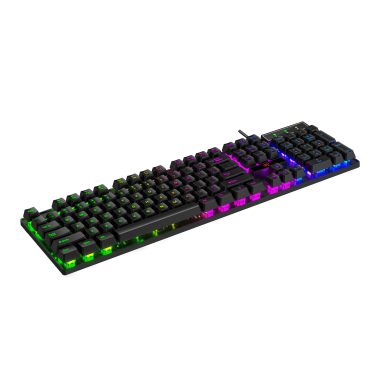
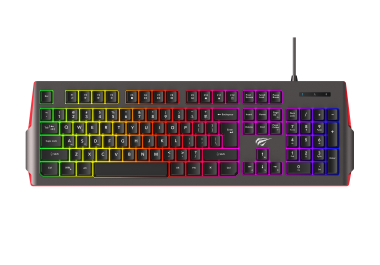
HAVIT Gaming Keyboards — Precision, Speed, and Durability
A gaming keyboard is a tool that directly affects your performance in the game. From keystroke speed to switch feel — every detail matters when it comes to competition, streaming, or simply comfortable gaming.
Why do gamers need a separate keyboard?
- Fast key response ensures precise actions
- Anti-ghosting allows you to press several keys at the same time without input errors
- RGB lighting — not only style, but also functionality, for example, highlighting hotkeys
Main types of gaming keyboards
| Type | Characteristics | Suitable for |
| Membrane | Quiet, more affordable, less precise | Casual players, beginners |
| Mechanical | Clear response, durability, precision | Esports, shooters, RTS |
| Hybrid | Combination of mechanical and membrane technology | Universal use |
| TKL / compact | Without a numeric keypad, mobile | Streaming, travel, FPS |
Comparison of HAVIT gaming keyboard models
| Model | Type | Features |
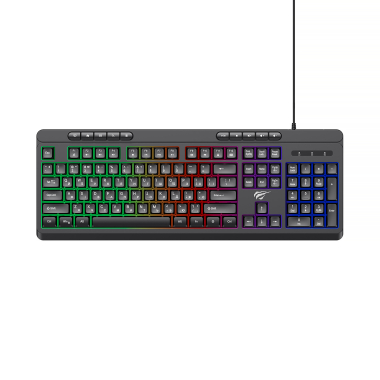
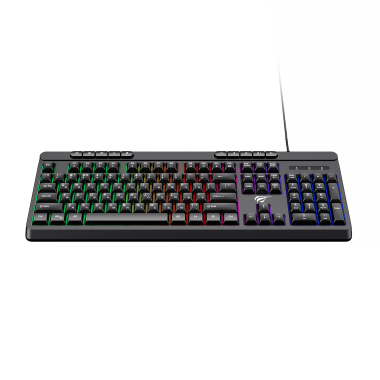
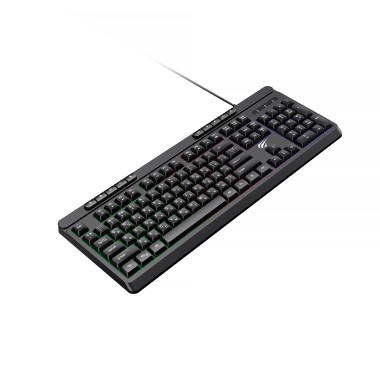
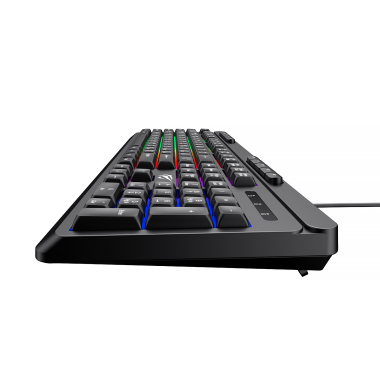
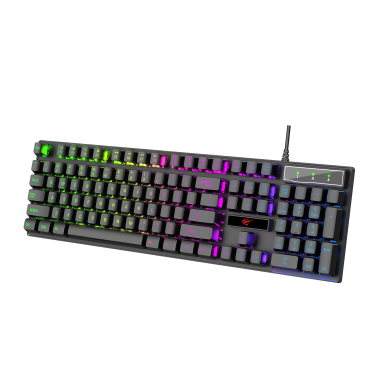
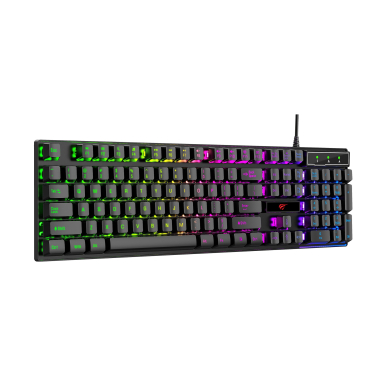
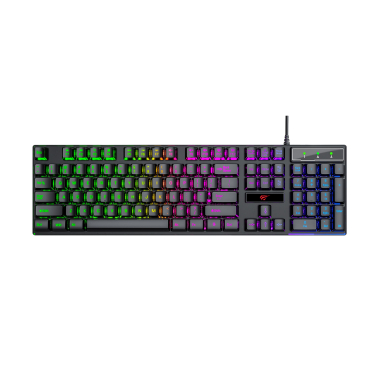
| KB866L | Membrane | Fn multimedia keys, 3 lighting types, ultra-thin and noise-reduced design |
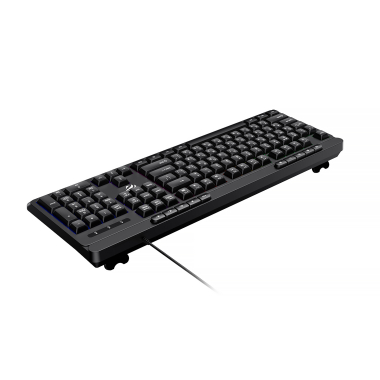
| KB510L | Membrane | Anti-ghosting (simultaneous pressing of up to 19 keys), Fn multimedia keys, 4 lighting modes, drainage holes for accidental liquid spills, cable protection with nylon braiding |
| KB101L | Membrane | Lighting with control options, Fn multimedia keys, ergonomic design |
Why choose HAVIT gaming keyboards?
- Long keypress lifespan, up to 10 million presses
- Lighting available with the ability to change its modes
- Support for simultaneous key presses without input errors
- Quiet keystrokes
- Ergonomic and versatile design that will suit any interior
How to care for a keyboard?
- Regularly clean it from dust and crumbs.
- Turn the keyboard upside down and gently shake it to remove crumbs.
- Go over the keys with a soft brush.
- Use a can of compressed air to blow dust out from between the keys.
- Wipe the surface with a microfiber cloth slightly dampened with water or an alcohol solution.
- Avoid spilling liquids. If you spill water:
- Disconnect the keyboard immediately.
- Turn it upside down and let the liquid drain out.
- Dry it with a hair dryer using cold air.
- Leave it to dry for at least 24 hours before reconnecting.
- Store at room temperature.
- Once every few months, remove the keycaps for cleaning, if available.
Modern gaming keyboards provide fast key actuation, comfort during long sessions, and confident control in the game. These are exactly the models presented on our website. Choose and order a HAVIT gaming keyboard on videx.ua.
| Product category | Gaming keyboards |
| Number of products in the catalog | 3 |
| Average price of goods | 719,00 |
| The price of the cheapest product | 509,00 |
| The most expensive product | 909,00 |